Crooked Light
Composition-first camera app, designed in Figma and built with Claude Code
Project Definition
Crooked Light is a personal camera project born from my long-running interest in photography and image composition. I wanted the camera itself to help me see a frame differently, before I took the photo. Most camera tools offer a grid or a stack of effects; my starting question was what happens when composition and visual treatment become equally deliberate parts of shooting.
I set out to make a camera that invites experimentation without turning the viewfinder into a control panel. Guides should help you notice lines, balance and movement, then get out of your way.

The Creative Premise
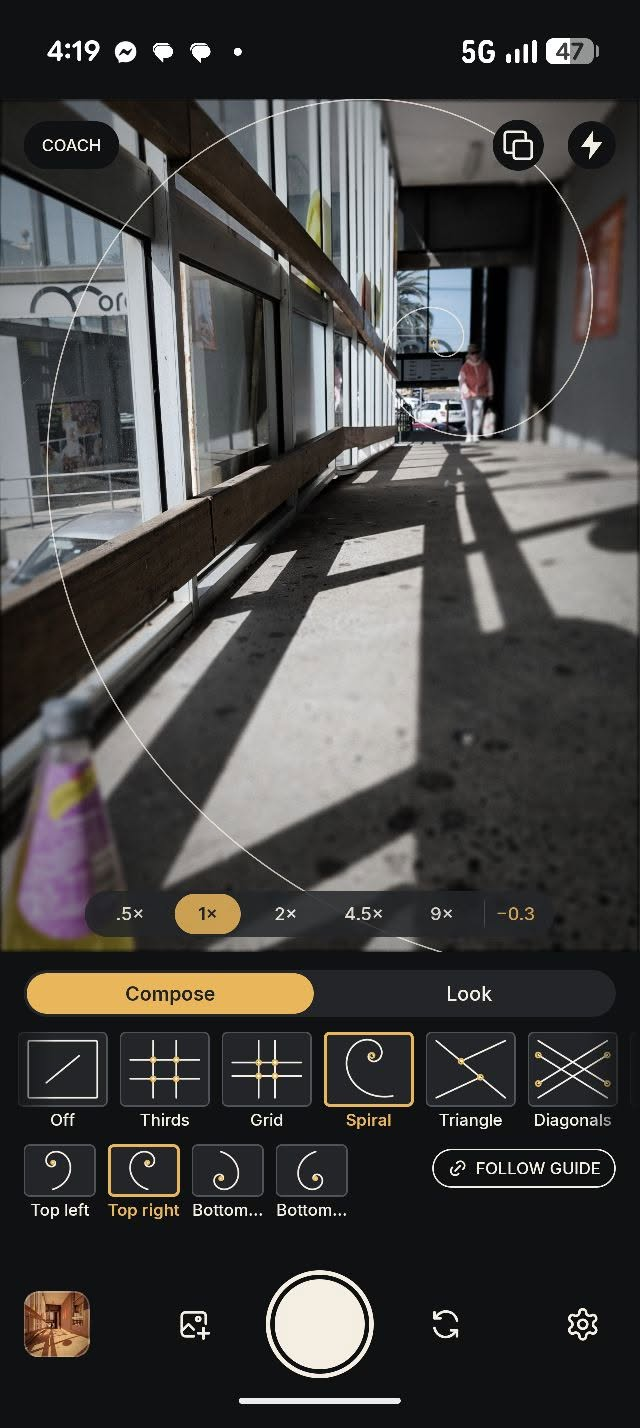
I love shooting in an art mode and getting a result I could not entirely predict. The surprise makes me look harder at ordinary scenes. Crooked Light pairs that playfulness with live composition guides: thirds, grid, spiral, triangle and diagonals, with alternate guide positions where they help.
The looks are not just a finishing pass. Choosing Holga, pinhole, tilt shift, grainy film or cross process before capture changes what I point the camera at and how I frame it.

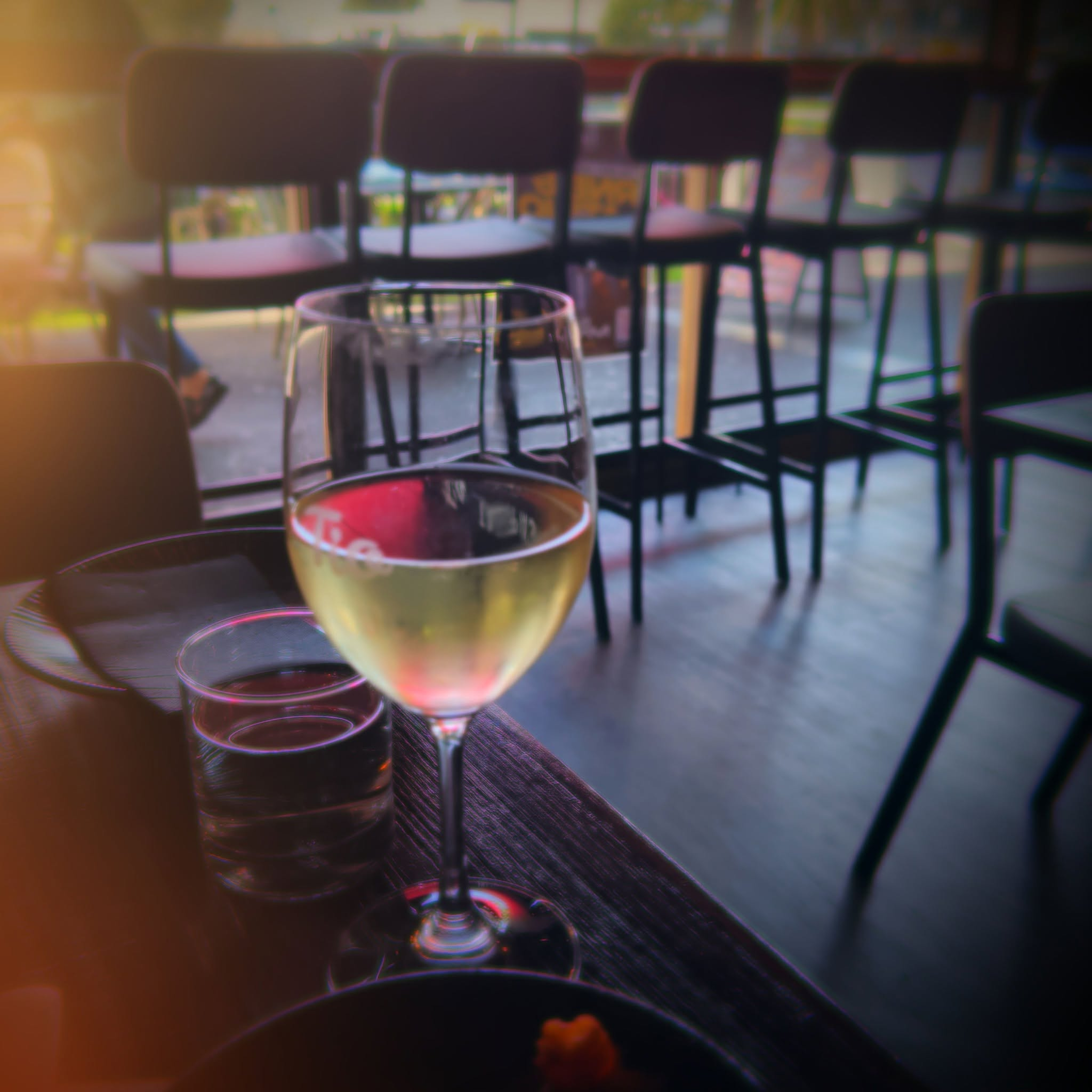
Images shot with Crooked Light. Left: Tilt Shift. Right: Holga
From Idea to Working Camera
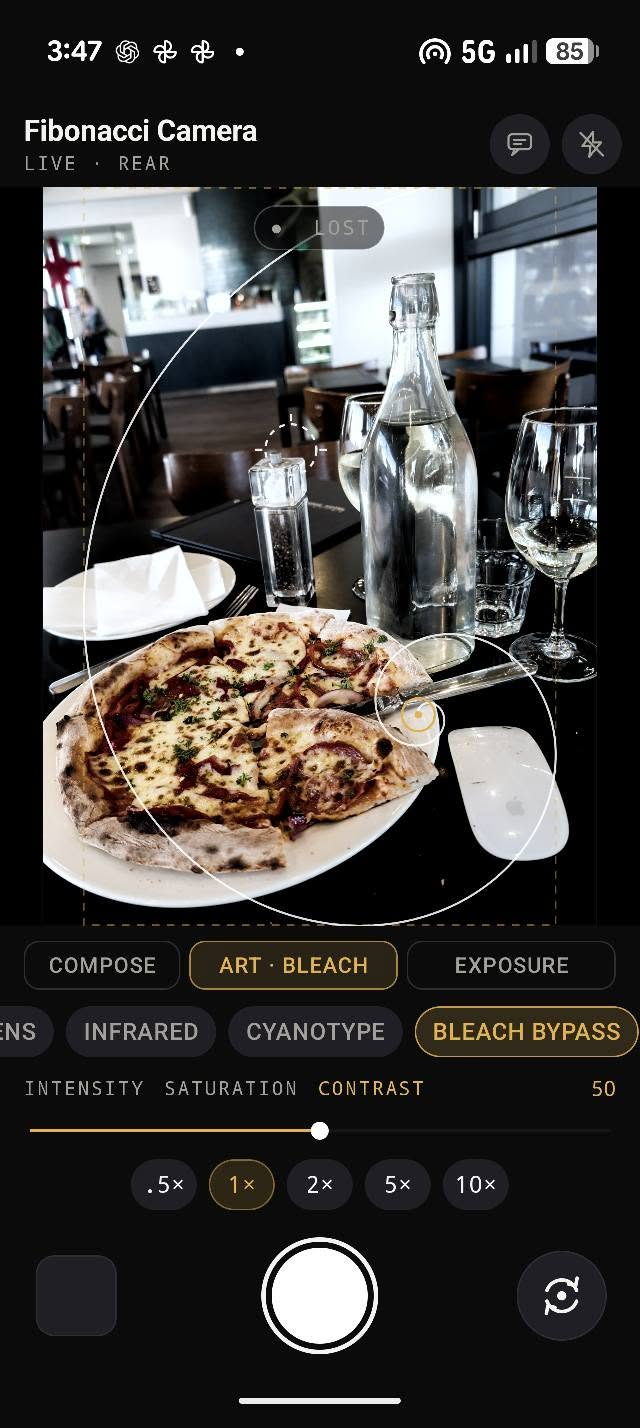
Claude was my thinking partner at the start. I used it to test how Compose, Look and Exposure should be structured, choose which guides and looks earned a place, and work through settings for each mode. The questions were interaction questions: when can a guide move or rotate, when should the interface coach, and how much control should a look expose?
I then used Claude to build a working Android camera in Kotlin, iterating in code and on the phone. Getting to a usable camera quickly let me shoot real images instead of judging the idea from static mockups alone. Most of the decisions below came from those shoots, not from the mockups.
Directing the build
I treated Claude like an engineer on my team, not a vending machine. I wrote briefs with the behaviour, the edge cases and how to check them: the Follow guide brief set out where each guide’s focal points sit and asked for automated tests of that geometry. When Tilt Shift focusing regressed, I wrote a regression brief describing what used to work and what broke, rather than asking for a patch. I set the non-negotiables up front: never change the app’s signing identity, no analytics or tracking, updates over HTTPS only, and never install anything silently. And I designed the screens in Figma down to type sizes and weights, then held the build to them.
A Deliberate Redesign
The first working UI proved the mechanics but looked generic. I redesigned it in Figma around a larger live viewfinder, a deliberate black and warm amber palette, and clearer Compose / Look controls. I made the guide icons consistent in weight, brought settings closer to the thing they change, and used photographs rather than abstract thumbnails to communicate the looks.
The redesign is now back in the Android build. I keep shooting with it, finding the rough edges and taking them back into Figma and Claude.
What Shooting Changed
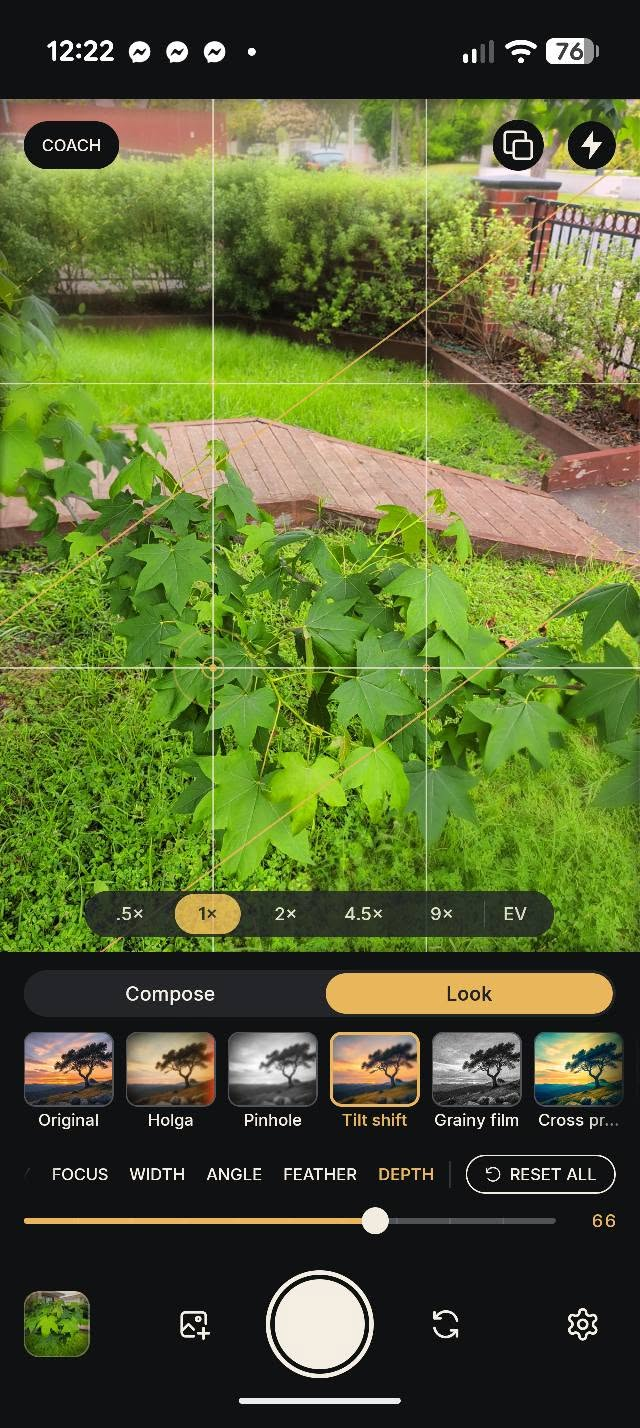
Exposure didn’t earn a tab. The first structure had three tabs: Compose, Look and Exposure. Exposure held a single control and cost a mode switch every time the light changed. It became an EV chip in the zoom pill: one tap opens the dial over the viewfinder, a double tap resets it, and it closes itself when you stop adjusting. Two tabs, and exposure is always one tap away.
Tilt Shift moved from pinching to sliders. Pinching to size the focus band kept zooming the camera by accident. Focus, width, angle and feather are now sliders, and pinch-zoom is switched off while Tilt Shift’s controls are open. Zoom stays on the pill.
Follow Guide had to let go. The moment I move Tilt Shift’s focus band myself, it stops following the composition guide. Earlier builds kept pinning it to focal points, which made focus clunky during a shoot. It now follows only guides where a straight band makes sense; tapping the viewfinder still focuses wherever I tap.
Every launch starts the same way. Compose tab, Thirds, the Original look, and every look back at its starting settings. A camera you grab in a hurry should open predictably. Remember my settings is in Settings for anyone who wants their last setup back.
The original is never the casualty. A look is rendered onto a copy, and a crop is saved as a copy. The unfiltered original is kept by default, so trying something strange costs nothing.
Still in Motion
Crooked Light is a working Android app and still evolving. Being the designer, the product owner and the person using it every day collapsed the feedback loop: I find a rough edge on a shoot, take it back into Figma or Claude, and try the fix next time I go out. That speed changed what I was willing to try, because a wrong call cost a day, not a sprint.
The work now is less about adding features and more about making the camera feel coherent in use: how focus behaves around the guides, how much each look exposes, and the quality of the rendered images. An iOS version is planned.